AI Tools & Study Material Generation
Learn how Lurna’s AI transforms your notes into flashcards, quizzes, summaries, and full study sets. This guide explains each AI tool, how to use them, and how to get the best results.
1. Generating Flashcards with AI
Flashcards are one of the fastest ways to review information, and Lurna lets you create them instantly using AI.
How to generate flashcards:
- Write informative notes.
- Click the "Generate Flashcards" option from the AI toolbar.
- Lurna creates question-answer style cards based on your selected content.
- Review and edit cards before saving them to a study set.
Flashcards work best when:
- Your notes use bullet points or definitions.
- You highlight small, focused sections.
- Topics are separated by headings.
2. Generating Quizzes with AI
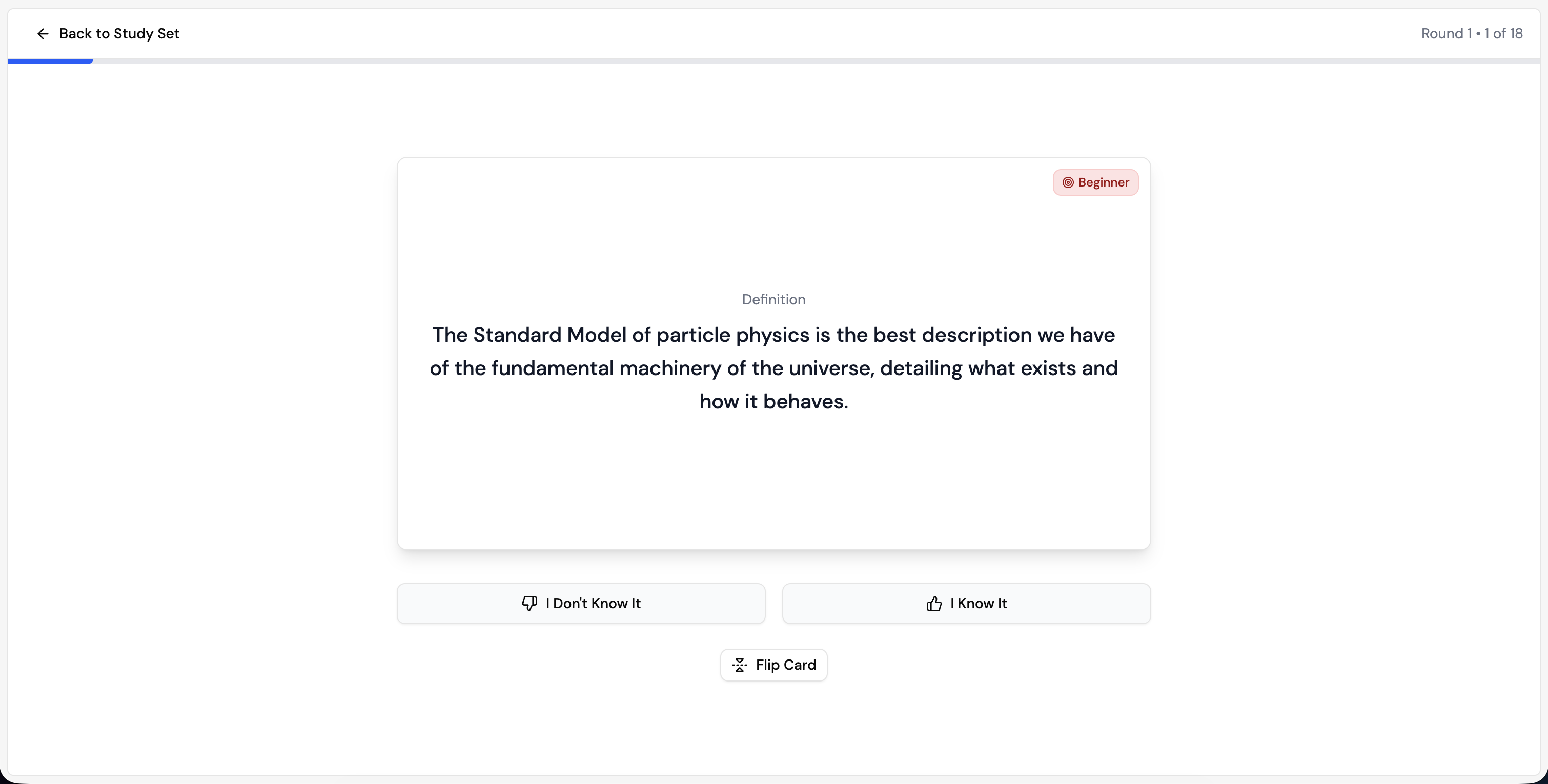
Lurna can turn your notes into full quizzes to help you test your understanding.
To generate a quiz:
- Make a study set
- Select "Generate Quiz" from the three study options.
- Choose your quiz type (multiple choice or short answer).
- Review, edit, and save the quiz to a study set.
Tips for better quizzes:
- Use clear topic headings in your notes.
- Make sure key terms and definitions are well formatted.
- Avoid overly long paragraphs - break them into smaller pieces.
3. Creating Summaries & Explanations
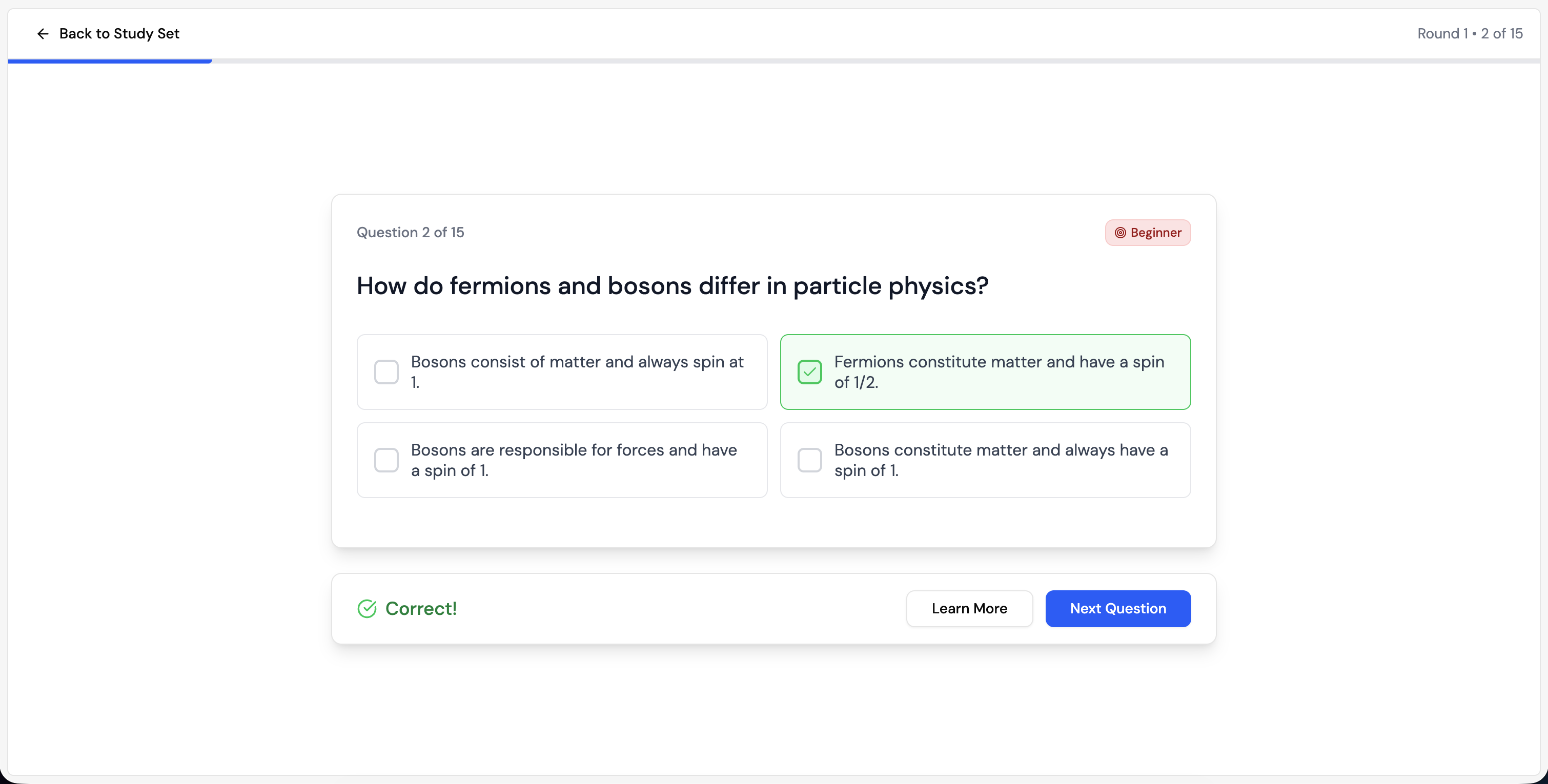
Lurna can summarize complex content or explain difficult concepts in simpler language.
To generate a summary:
- Write informative notes.
- Select "Summarize" from the AI tools.
- Lurna condenses the text into key concepts.
Why this is useful:
- Helps understand complex topics quickly.
- Makes your study sets more complete.
- Useful for lecture-heavy or theory-heavy courses.
Full Study Set Generation
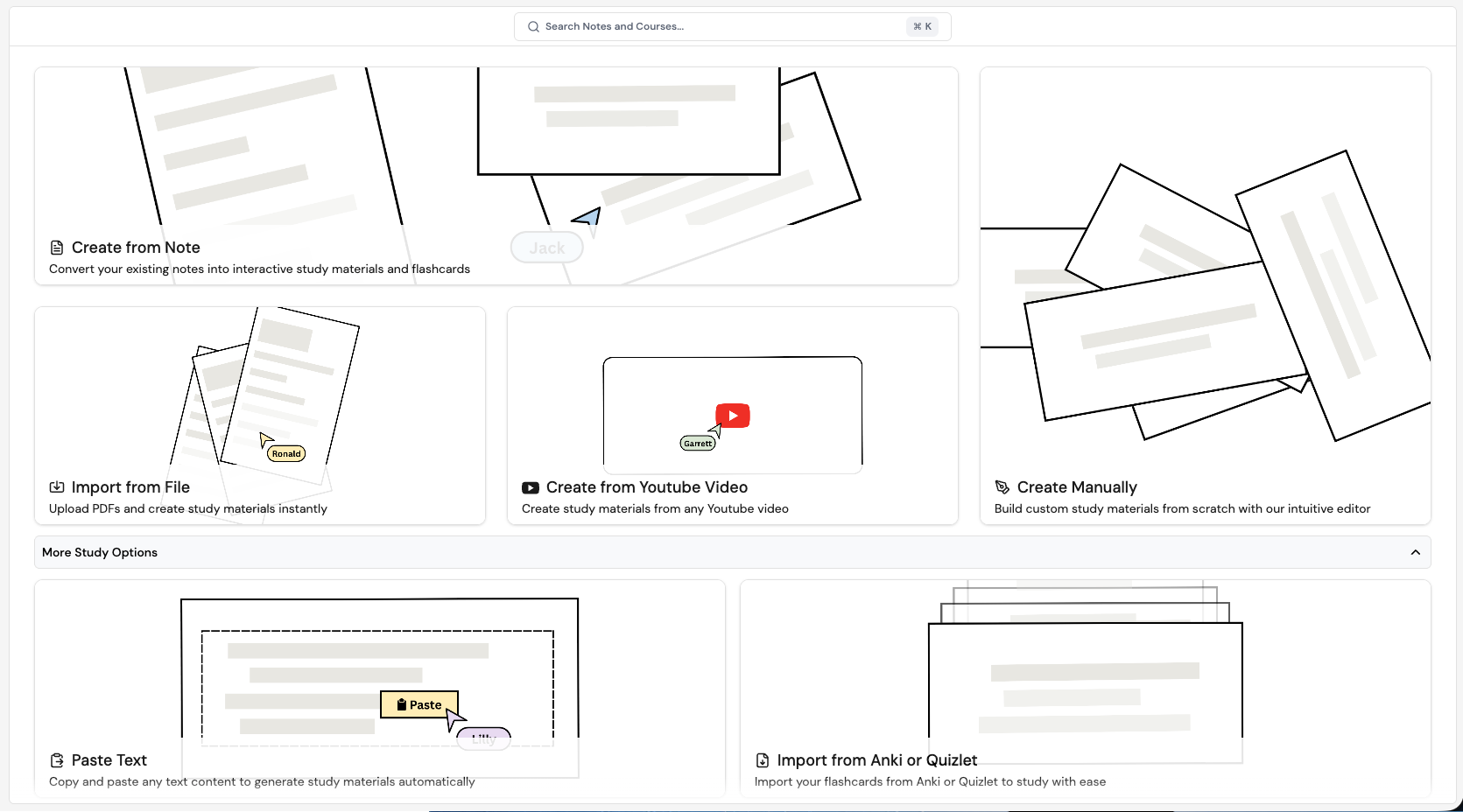
Lurna can generate an entire study set from a single source such as a PDF, document, YouTube video, or pasted text.
How it works:
- Go to the Study Board page
- Choose your source:
- PDF upload
- Quizlet/Anki import
- YouTube link
- Pasted text
- Lurna analyzes the content and extracts key topics.
- You receive flashcards and quizzes instantly.
- Edit and save the study set.
Best uses:
- Lecture slide PDFs
- YouTube lectures and tutorials
- Class readings
- Uploaded documents from professors